AI drafts. People publish.
Interviews and answers become editable drafts. Nothing reaches your knowledge base until someone on your team publishes it.
Institutional memory for nonprofits
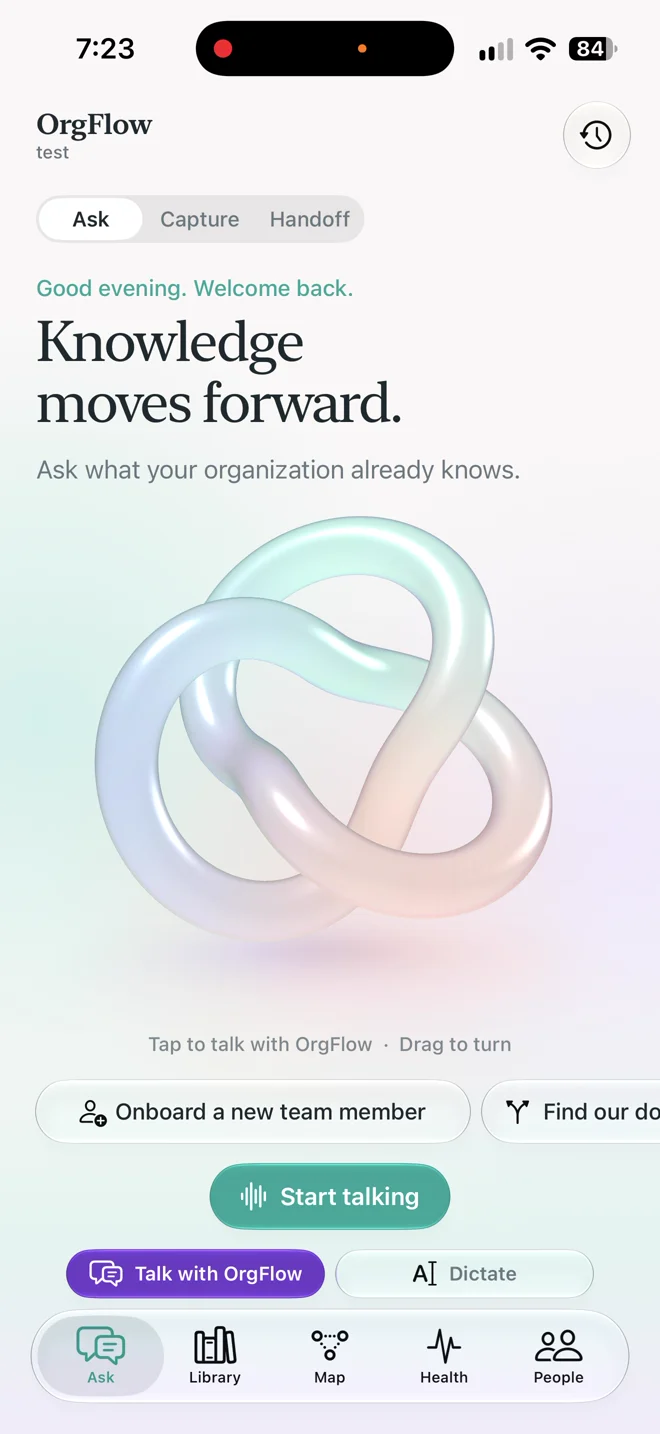
OrgFlow gathers your team’s email, documents, and hard-won know-how, answers questions with sources, and hands it all to whoever’s next.
The problem
Every nonprofit runs on things one person knows. Which supplier delivers early on Fridays. Why the freezer alarm trips. Which donors want a call, not an email. On October 31, Maria Reyes leaves Center Valley Community Pantry.
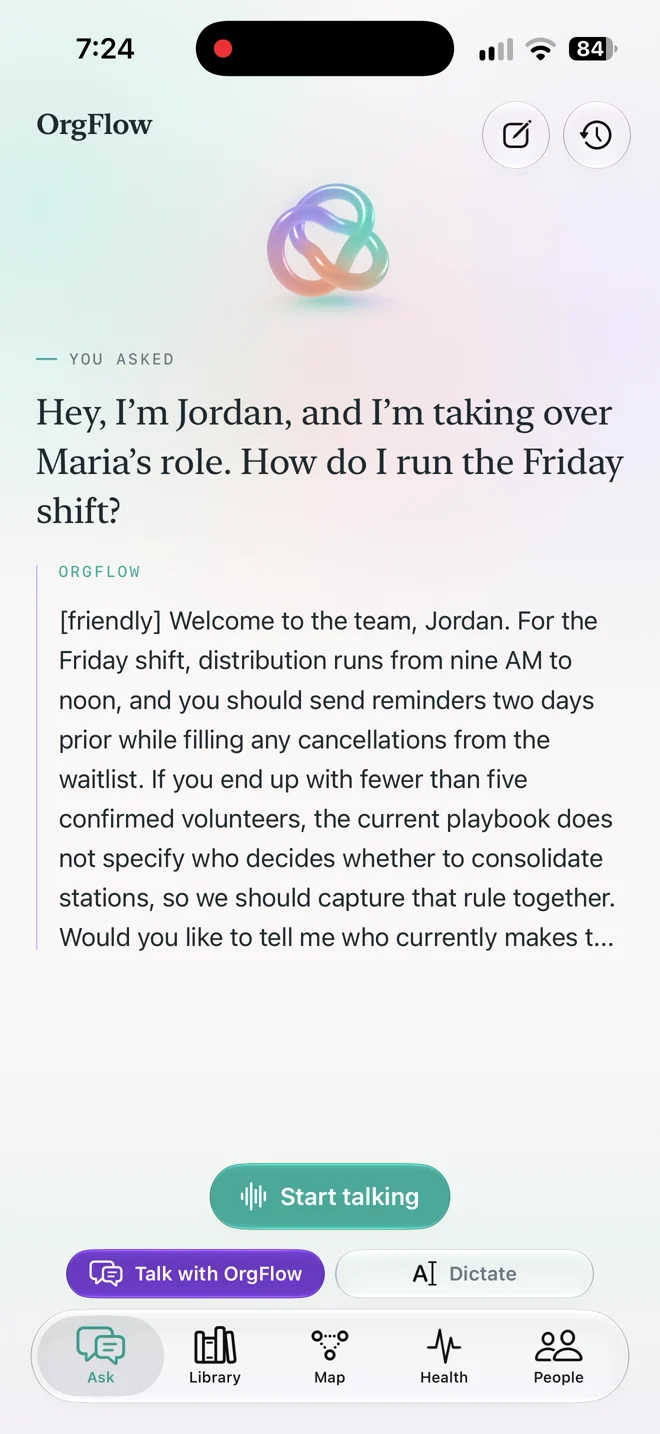
Jordan Lee starts November 1. OrgFlow makes sure that first day starts with everything Maria knows, checked by their supervisor, Sam Rivera.
Center Valley Community Pantry is a fictional example.
How it works
01 · Connect
Connect Gmail and Google Drive, then choose what OrgFlow may read. Originals stay where they are. OrgFlow indexes the text so the team can find it.
02 · Capture
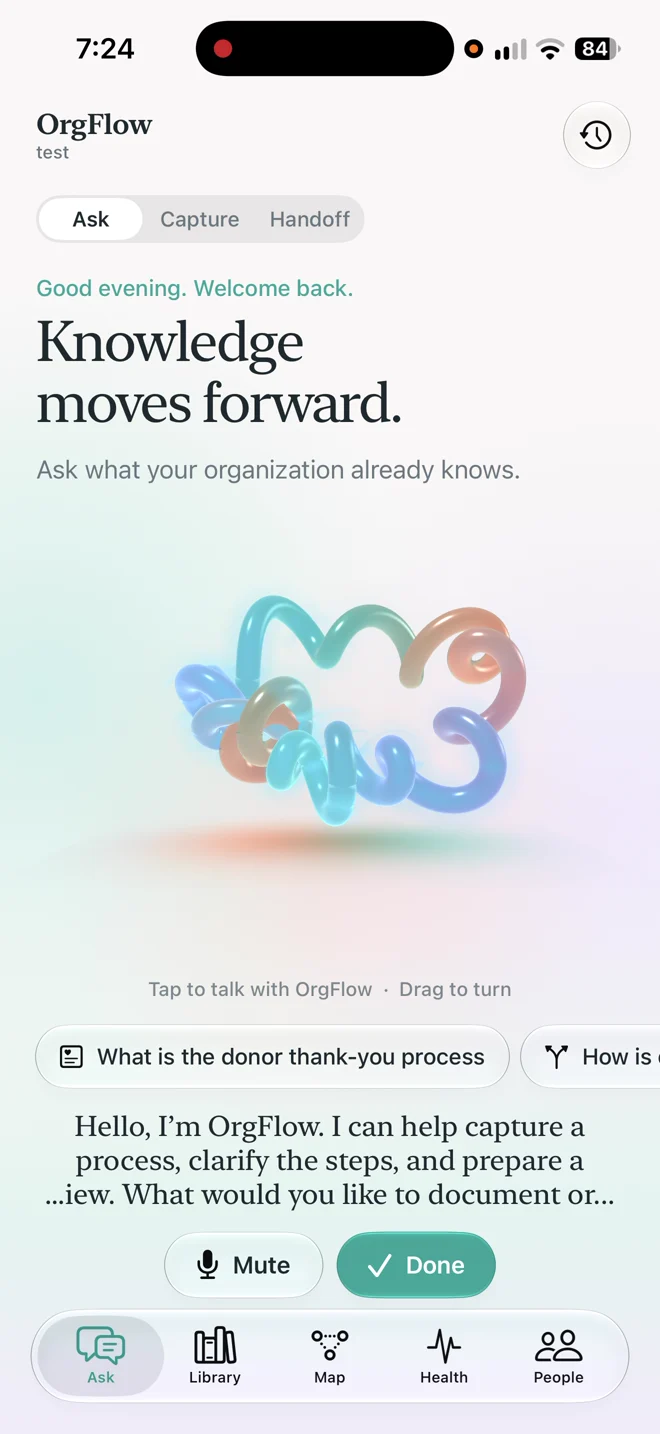
A short voice interview fills the gaps Maria’s files leave. OrgFlow asks about what’s missing, then drafts a playbook for her to review.
03 · Ask
Jordan asks in plain language. Every answer cites the document or email it came from, and quotes are checked against the source text.
04 · Transfer
The knowledge map shows who holds what. Reassign Maria’s playbooks and sources to Jordan in one step, with Sam reviewing the handover.
Why OrgFlow
Interviews and answers become editable drafts. Nothing reaches your knowledge base until someone on your team publishes it.
Citations point to the exact email or document, and quoted text is checked against the source.
Every playbook has an owner and a review date, so stale steps get noticed before they cause trouble.
Files stay in Gmail and Google Drive. You choose what OrgFlow reads, and source text goes to the AI provider only after you consent.
Pricing
Yes. Open the app and choose the shared demo workspace. Use fictional content there. Opening the app does not start a subscription.
Upload a text file, or connect Google and select Drive documents and Gmail messages. Connected originals stay where they are. Microsoft connections are not available yet.
No. Generated content starts as an editable draft. Your team reviews it and publishes it separately. Later edits stay in draft until you publish again.
The demo workspace is shared, so do not add private information there. In the app, selected source text is sent to the AI provider only after you consent.
Founding nonprofit offer
$19per month
Proposed founding price. Explore the demo today.
Choose the shared demo workspace and use fictional content. Opening the app does not start a subscription.

Open the demo workspace and follow Maria’s handover yourself.
Open OrgFlow